MARKETING EMAILS
PROJECT PROCESS
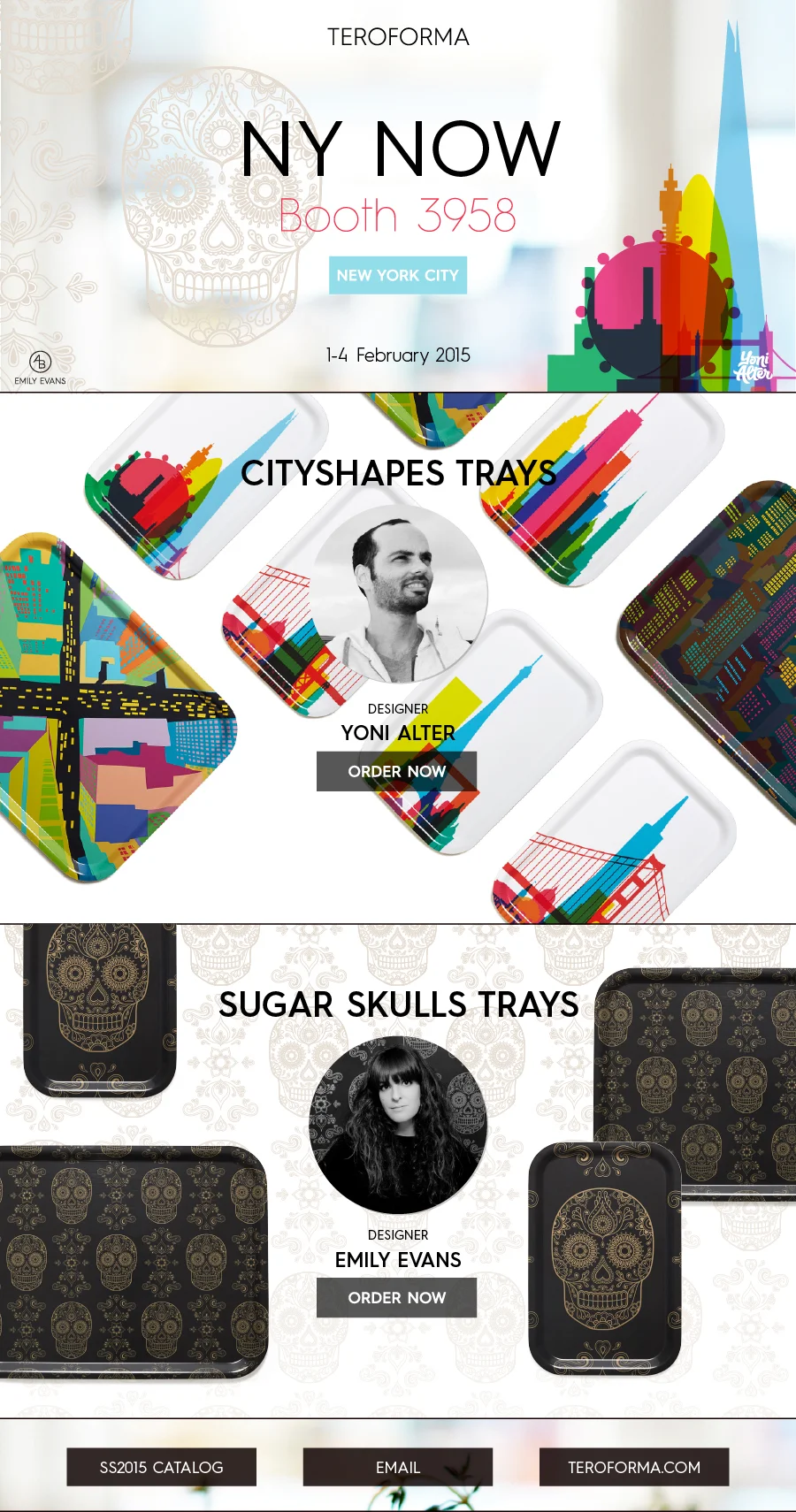
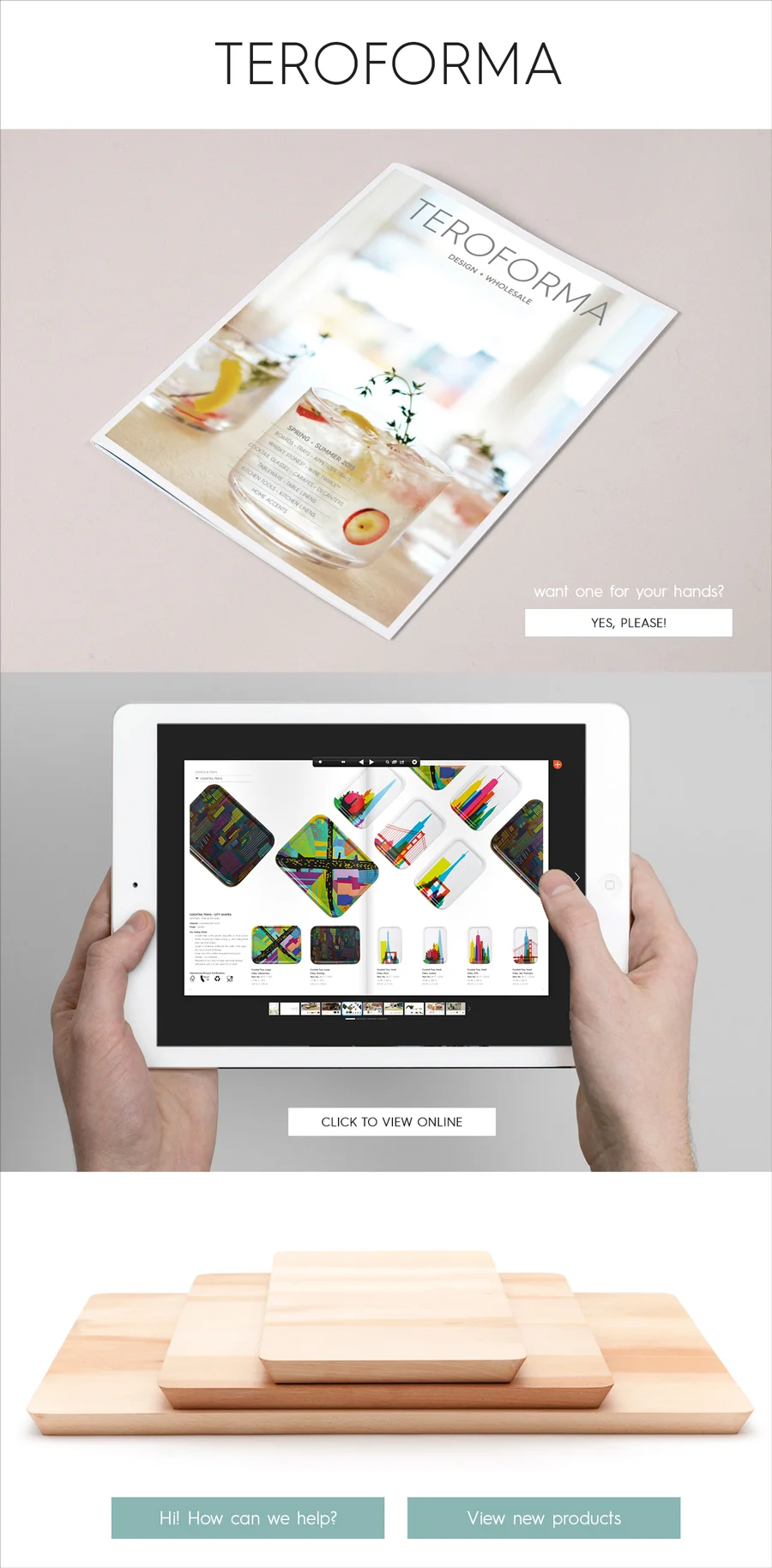
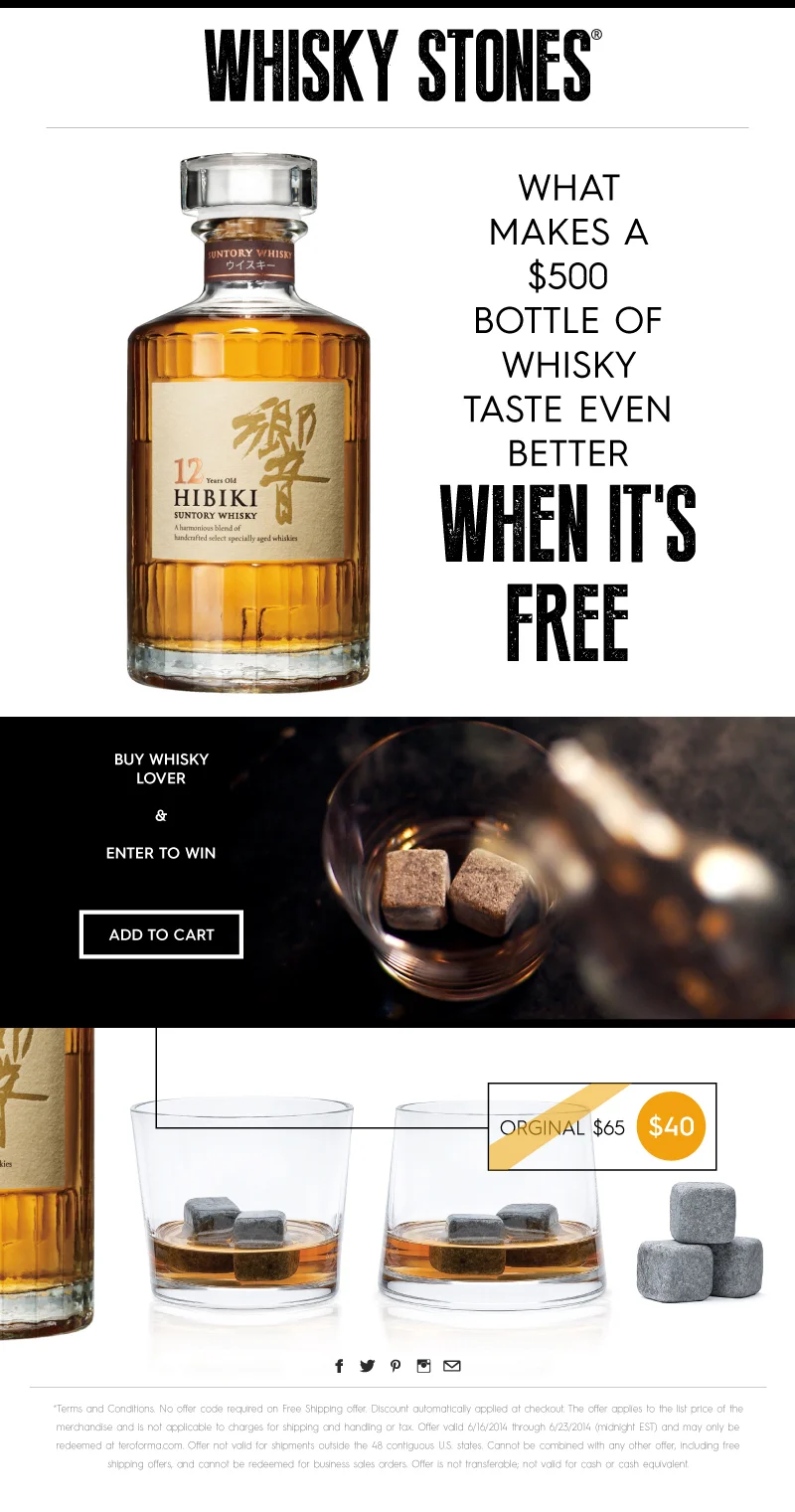
Save Image from Photoshop
Save for Web (980 x ????) - Make sure the file is not longer the 1724px (If the email is longer it will get cropped in Microsoft Outlook.)
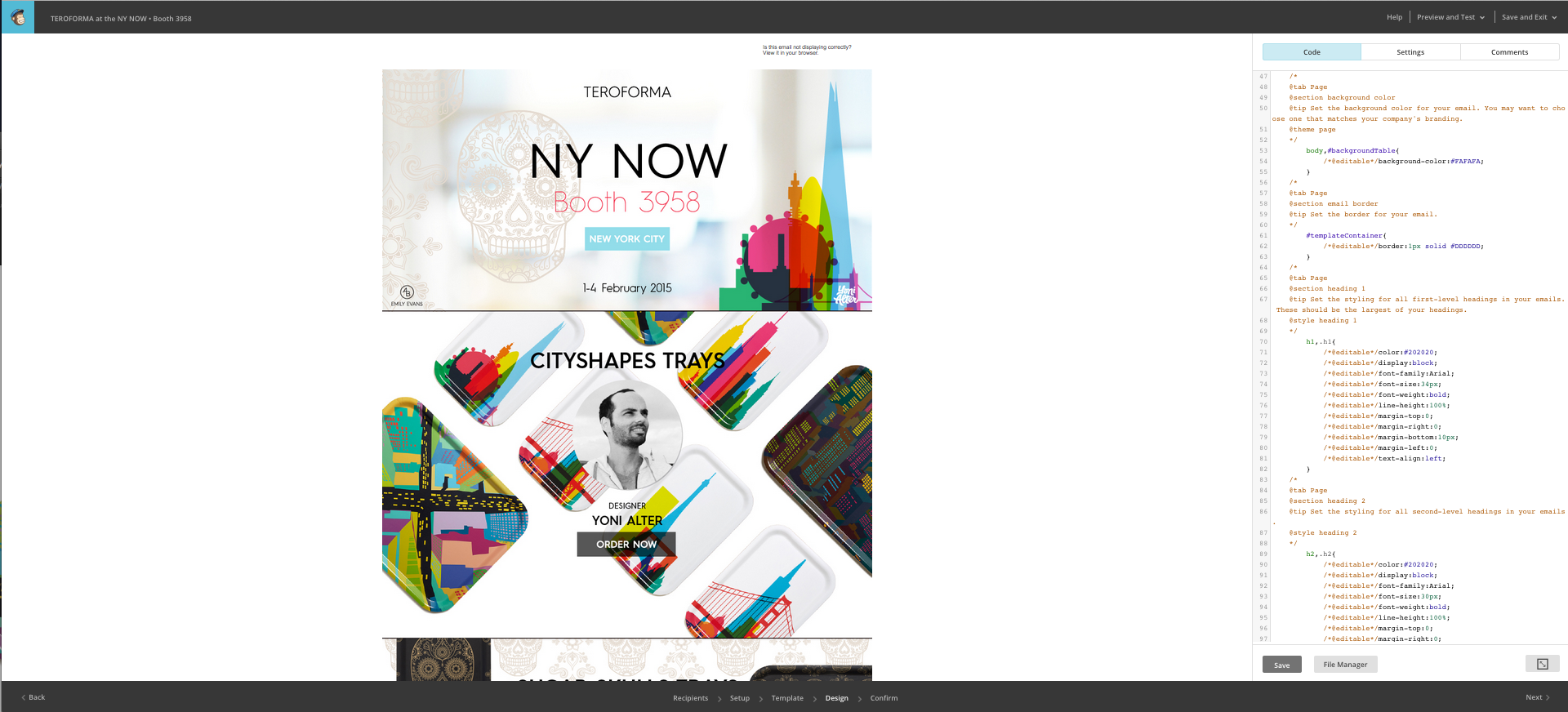
Upload image to MailChimp in the image folder
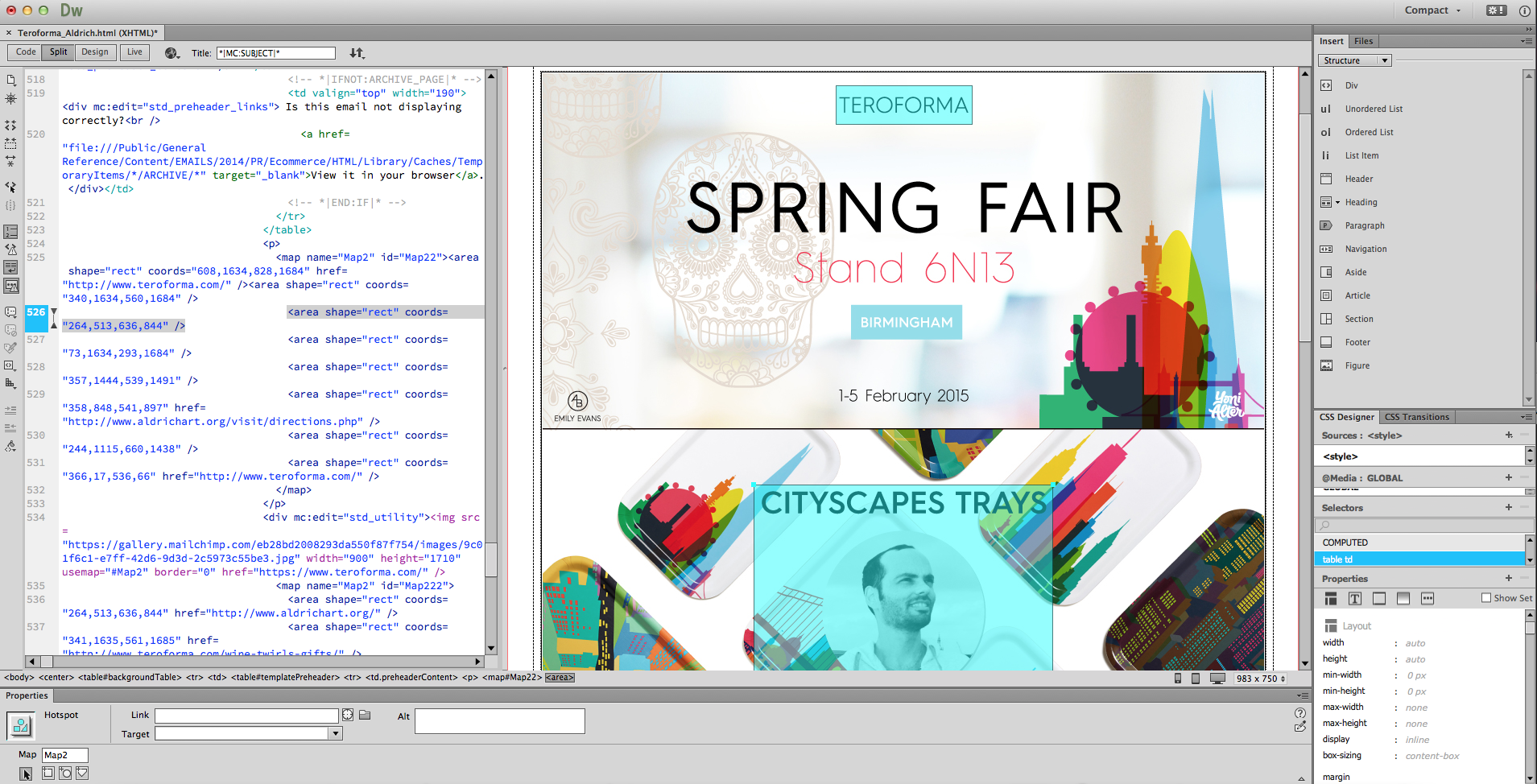
Copy paste link into the HTML code in Dreamweaver
Create link restate with link shapes
Save HTML
View HTML file in browser to test links
Input : Subject line • From Information • Reply Address
To track E-commerce / Social data click on option in MailChimp
Upload zipped HTML file to MailChimp
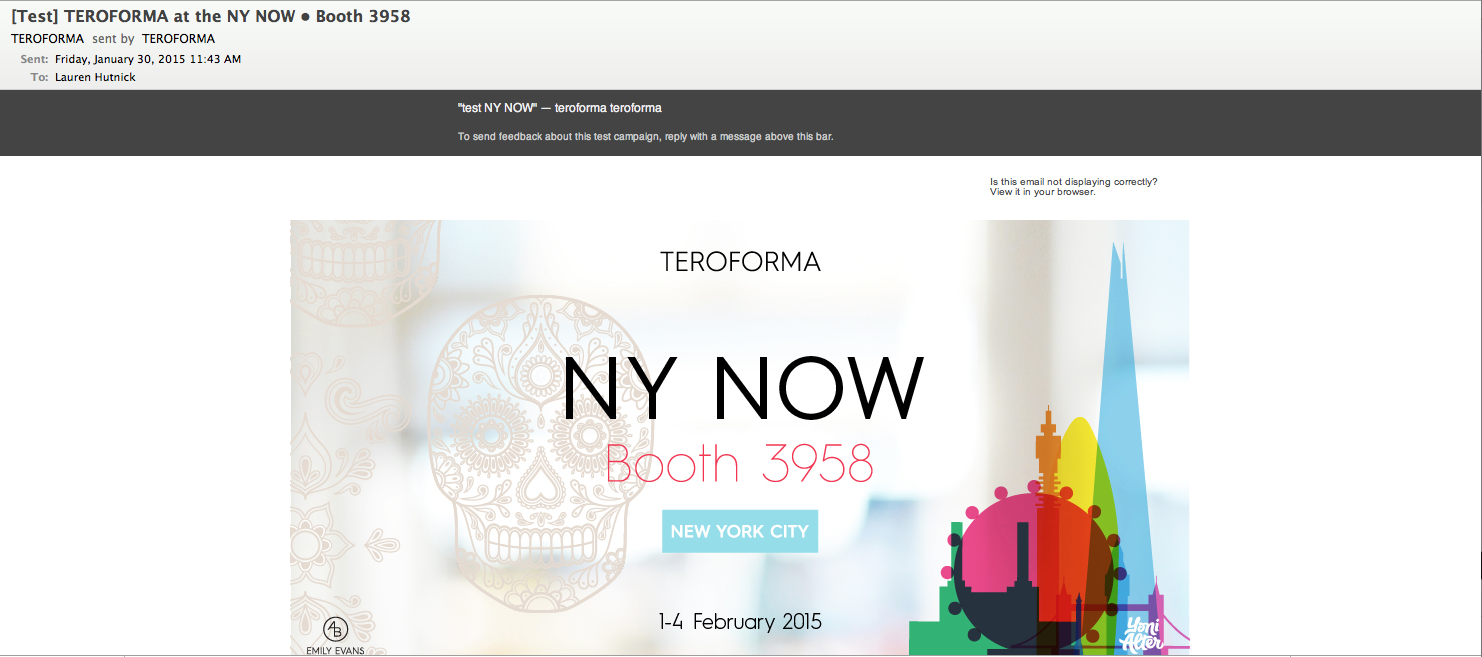
Send test emails
Schedule date and time